---
source_url: "https://www.apipick.com/blog/firecrawl-jina-reader-vs-apipick?utm_source=openai"
title: "Firecrawl vs Jina Reader vs API Pick: URL Content Extraction APIs Compared"
mirrored_at: 2026-08-10T01:00:59.219Z
host: www.apipick.com
cited_in_42a: true
mirror_canonical: "https://index.42a.ai/www.apipick.com/blog/firecrawl-jina-reader-vs-apipick__q__utm_source_openai"
---
> **Original source:** https://www.apipick.com/blog/firecrawl-jina-reader-vs-apipick?utm_source=openai
\[ blog · comparison \]8 min read
Sarah ChoyPublished May 2, 20268 min read
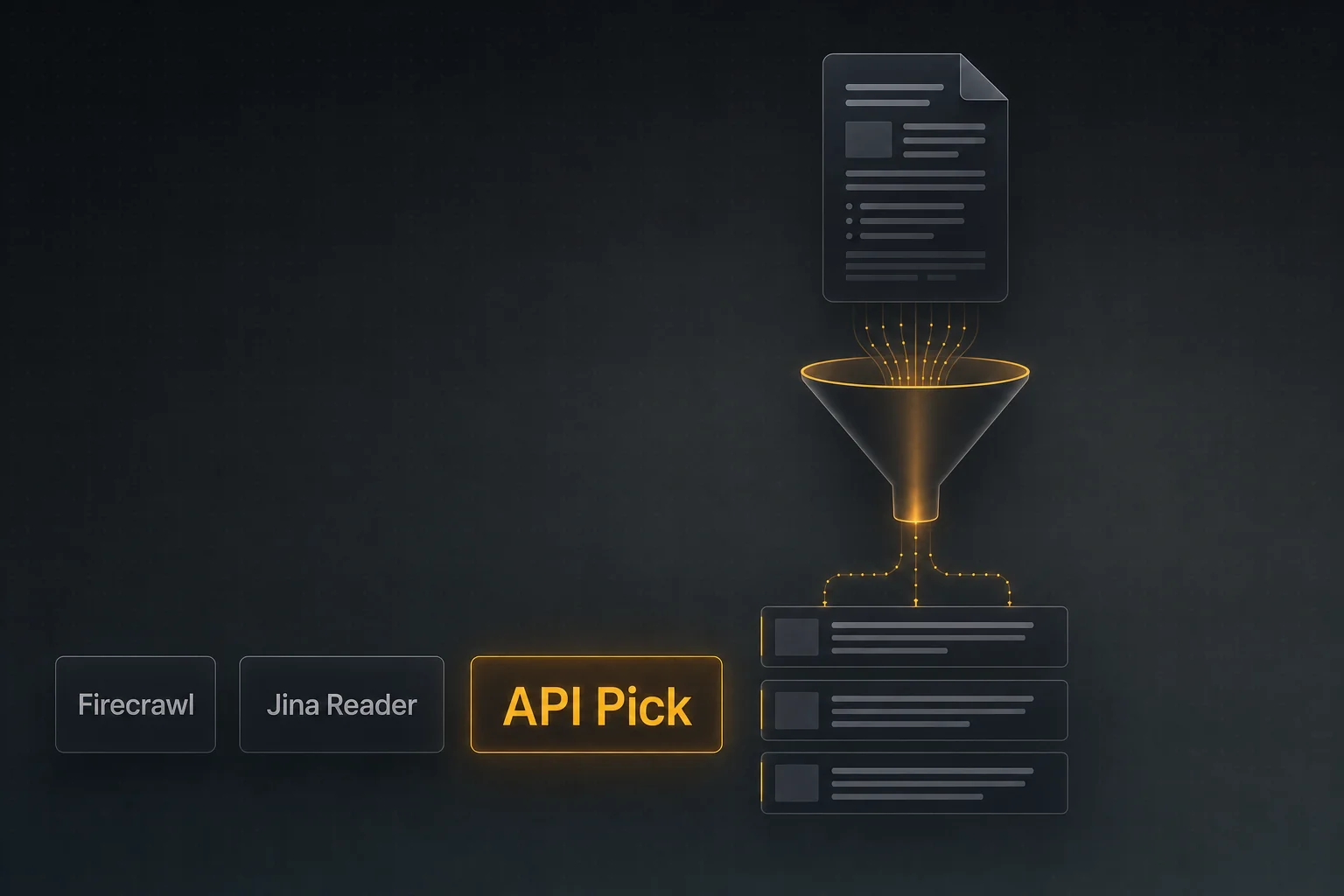
If you have ever shipped an agent that reads a list of URLs and summarises them, you have hit the URL-cleanup tax. Firecrawl, Jina Reader, and API Pick Extract solve it differently — here is the practical comparison.
## TL;DR
- •All three turn a URL into clean text/markdown the LLM can read; the differences are bulk handling, pricing model, and what they do with hard pages.
- •Pick Firecrawl when you also need full-site crawling and structured data extraction in one platform.
- •Pick Jina Reader for the dead-simple r.jina.ai/<url> URL prefix, perfect for prototypes.
- •Pick API Pick Extract when you need batch URL cleaning (up to 25 per call) inside an LLM tool call with credit-only-on-success billing.
## The problem: HTML is not LLM food
A typical research agent loop is: search → pick the most relevant URLs → fetch their content → summarise. That third step is where things break. Raw HTML is full of nav menus, cookie banners, related-article links, and ad scripts. Pasting that into a model wastes tokens and degrades reasoning. URL extraction APIs strip the boilerplate and return clean text or markdown.
Firecrawl, Jina Reader, and API Pick Extract all do this. They differ in scope, ergonomics, and how they price.
## The contenders
### Firecrawl
A complete crawl-and-extract platform. Single-URL `scrape`, full-site `crawl`, sitemap-based `map`, and a structured-extract endpoint that returns typed JSON given a schema. Strongest fit when you need to walk an entire site, or when the deliverable is structured data (tables, products, articles) rather than just markdown.
### Jina Reader
Possibly the fastest \\"hello world\\" in the category. Prepend `https://r.jina.ai/` to any URL and you get markdown back. Generous free tier, paid tier for higher limits. Excellent for prototypes, demos, and one-shot agent calls.
Batch-first URL cleaner. `POST /api/extract` takes 1–25 URLs in one call and returns an array of `{ url, title, content, status }` objects with markdown-flavoured content. 2 credits per URL, only deducted on overall HTTP 200, with `extract_effort` control for JS-heavy pages.
## Side-by-side
General positioning at the time of writing. Confirm pricing on each provider's pricing page.
Firecrawl
Jina Reader
API Pick Extract
Single-URL extract
Yes (scrape)
Yes (r.jina.ai prefix)
Yes (1-URL call)
Bulk URLs per call
1 per scrape; crawl walks domain
1 per call (parallelize externally)
Up to 25 per call
Output formats
Markdown / HTML / JSON / structured
Markdown
Markdown-flavoured text
Full-site crawl
Yes (crawl/map endpoints)
—
—
JS rendering
Yes
Yes
Yes (extract\_effort)
Pricing model
Subscription / credits
Free tier + paid
Pay-as-you-go credits
Charges on failure?
Varies
Varies
No (HTTP 200 only)
Best fit
Crawl + structured extraction
Prototypes & one-shot calls
Batch extraction inside an LLM tool
## Bulk: the most-overlooked axis
If your agent typically reads 1 URL at a time, batch capability doesn't matter. If it reads 5–25, batch behaviour matters more than anything else. Per-call overhead (auth, request setup, model latency) dominates over single-URL extraction time when you fan out one-by-one.
With API Pick Extract, a typical batch call:
Returns:
Per-URL `status` codes mean partial failures don't crash the whole agent step.
A common production pattern is to chain a web search call into an extract call: search returns 5 URLs, extract cleans them, the LLM reasons over the cleaned content. With API Pick that's a 2-call pipeline using consistent JSON shapes:
If you need a typed object out of a page (e.g. product price, ISBN, author), a structured-extraction endpoint with a schema is more reliable than \\"extract markdown then regex\\". Firecrawl's structured-extract is the right tool for that.
If you need to walk every page on a domain, you want a crawler, not an extractor. Firecrawl's `crawl` handles that. With API Pick Extract you'd ship an external sitemap loop and feed batches in.
## Choosing fast
Best for: full-site crawl + structured data extraction
Pick Firecrawl. The crawl/map endpoints and schema-based structured extraction are unique in the category.
Best for: prototyping and demo agents
Pick Jina Reader. `r.jina.ai/` is the lowest-friction extractor in existence.
Best for: batch URL cleaning in an LLM agent loop
Pick API Pick Extract. 25 URLs per call, JSON-in/JSON-out, only-on-success billing. [Try it →](https://www.apipick.com/extract)
## Frequently Asked Questions
### What's the cleanest way to send a URL list into an LLM?
Don't paste raw HTML. Run each URL through an extractor first to get markdown-flavoured text without nav/ads, then put the cleaned content into the model's context window. With API Pick Extract you can submit up to 25 URLs in one call and receive an array of {url, title, content, status} objects.
### Does API Pick Extract render JavaScript?
Yes. The default `extract_effort=auto` renders the page when needed; `extract_effort=high` is slower but more thorough on JS-heavy or paywall-style pages. Failed URLs return a status code in the per-URL result, but the overall call still succeeds.
### How does Firecrawl differ from a pure extractor?
Firecrawl is a platform: scrape, crawl, map, and structured-extract. If you also need to walk an entire site or extract typed JSON via a schema, it does that. If you only need 'turn URL into clean text', a pure extractor is simpler and usually cheaper.
### Is Jina Reader free?
It has a generous free tier via the `r.jina.ai/` prefix, with paid plans for higher limits and additional features. It's the fastest path from zero to working extraction during prototyping.
### Why charge per URL vs per call?
Per-URL billing is honest about cost: cleaning 25 URLs is roughly 25× the work of cleaning one. API Pick Extract is 2 credits per URL; a 5-URL batch is 10 credits. Credits are only deducted on a successful HTTP 200 — partial per-URL failures inside a successful call are still charged because the work was done.
## APIs used in this article

Written by
Sarah Choy
CEO, API Pick
Sarah Choy is the CEO of API Pick. She writes about building production-ready APIs for AI agents and LLM workflows.